Reading voices
Choose a voice for the book’s language. Preview it before downloading.
 Local TTSStart listening
Import a DRM-free EPUB and choose a reading voice. Local TTS saves your position so you can continue the book later.

Choose a voice for the book’s language. Preview it before downloading.
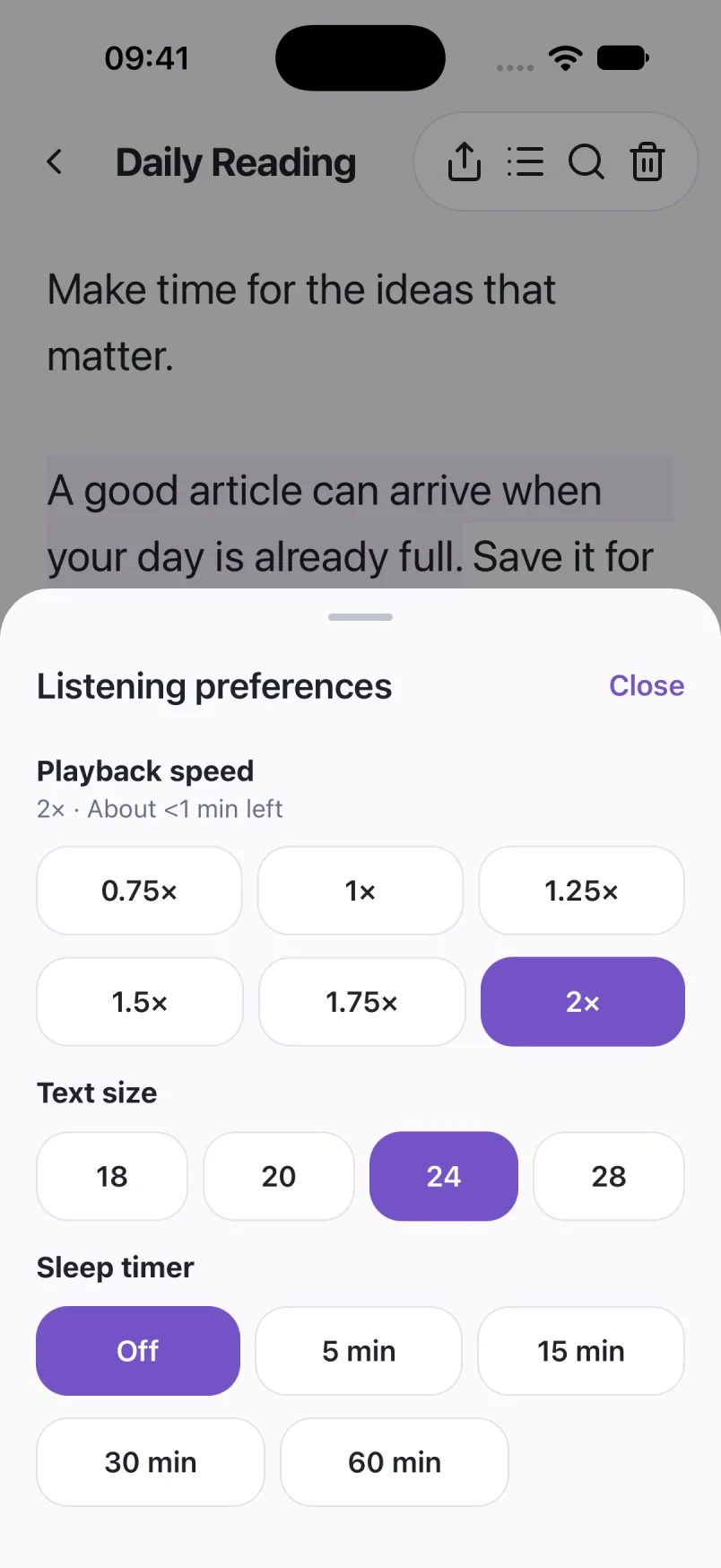
Adjust the pace and continue from your saved position.
Set a timer and listen with the screen locked. Playback stops when the timer ends.
You need an EPUB file you can import. Books protected by DRM cannot be opened. The reader uses the book’s text; some publisher formatting may change.
EPUB import is available on iPhone and iPad. It is not listed as an Android import option.
Screens show sample documents. Labels and voices may vary by app version.
Read the privacy policyListen to your DRM-free EPUB books on iPhone. Learn how to import a book, choose a voice, keep your place and prepare for offline listening.
Books & EPUB 5 min readListen to documents with your iPhone screen locked. Set up Local TTS background playback and check the timer, audio output and voice if it stops.
Background listening 4 min read