
Preview the narration
Check the text, language and voice with a short listening preview.
 Local TTSStart listening
Export document narration as M4A with Local TTS Pro. Save the file or share it with another app from your phone.

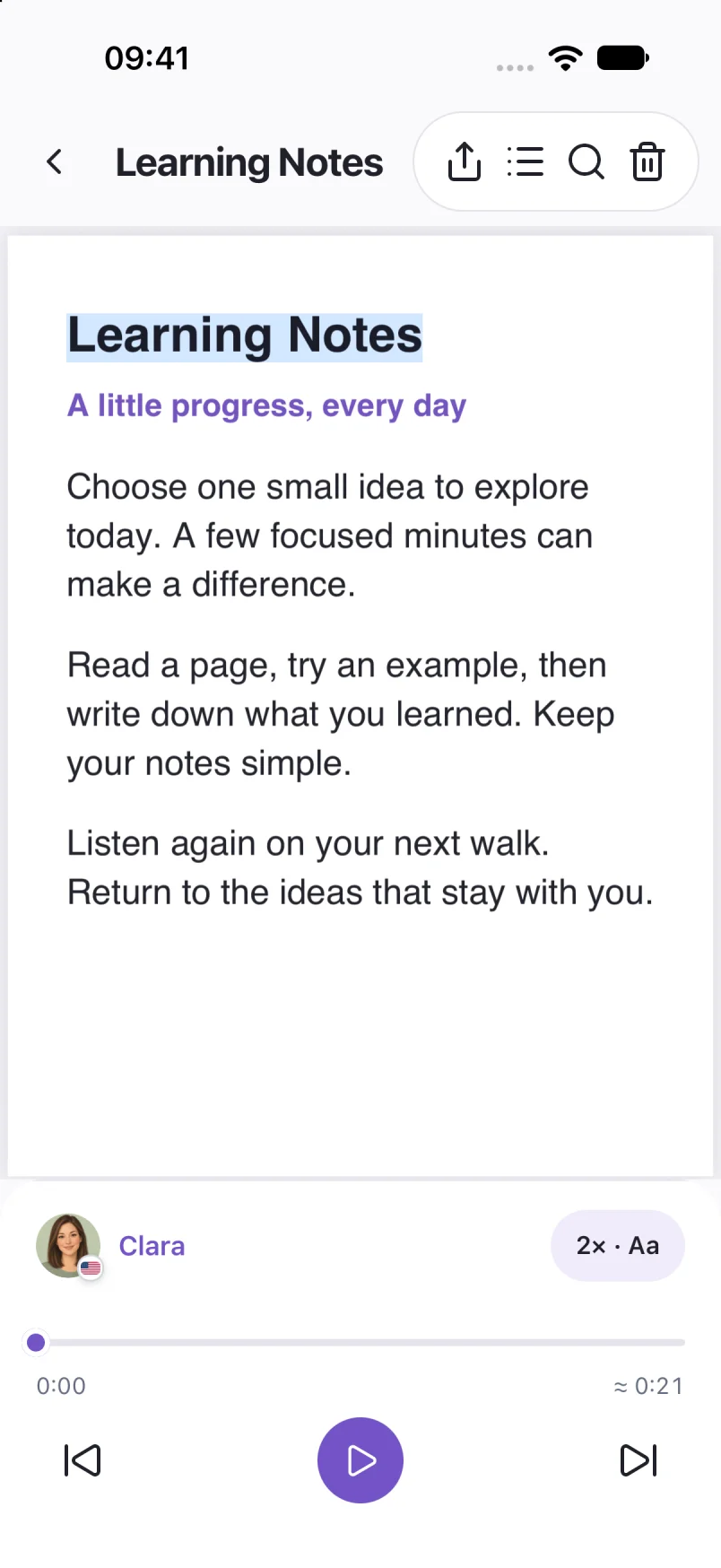
Check the text, language and voice with a short listening preview.
Choose Export audio and wait for generation to finish on your device. Pro is required.
Choose a destination in the share sheet, then open the saved file to check it.
Export creates an M4A file. MP3 export is not available. Later document edits do not update an exported file. Generation time depends on the text, voice and device.
The guide shows saving and sharing on iPhone and iPad. Available sharing destinations depend on the apps installed on your device.
Screens show sample documents. Labels and voices may vary by app version.
Read the privacy policyExport your document narration as M4A with Local TTS Pro on iPhone. Check the voice, save through the share sheet and reopen the file.
Audio export 4 min readSet up offline text to speech on iPhone before a flight or commute. Download a voice, save your documents and check playback without Wi-Fi or cellular data.
Offline listening 5 min read