
Sentence highlighting
See which sentence is playing while you follow the original PDF.
 Local TTSStart listening
Import a PDF, choose a voice and press play. Follow the highlighted sentence or listen with your screen locked.

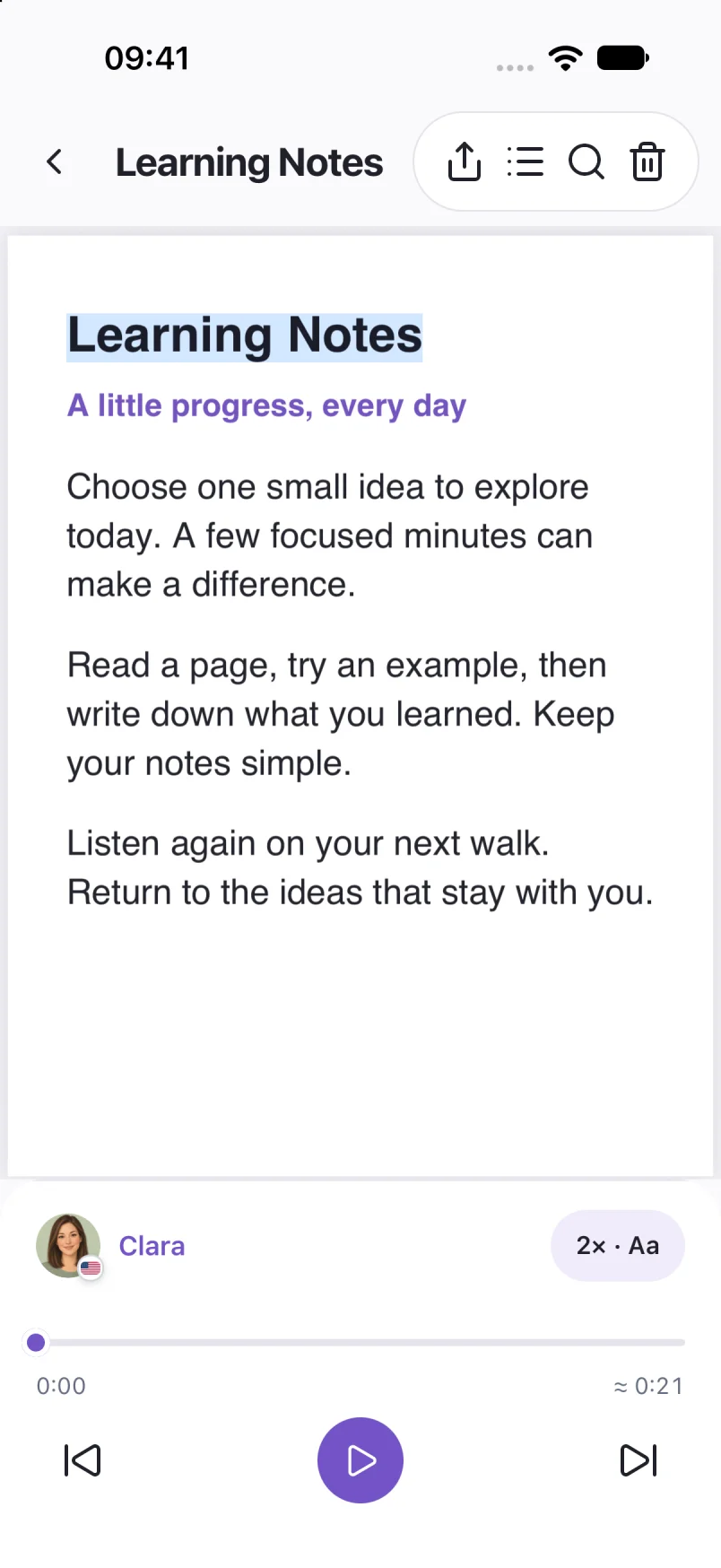
See which sentence is playing while you follow the original PDF.
Preview a voice and change the playback speed in the reader.
Close the document and return to where you stopped. Download a voice to listen offline.
PDFs need selectable text. Image-only scans need text recognition first. Check the reading order in documents with columns or tables.
PDF import is available on iPhone, iPad and Android. The screens here show iPhone.
Screens show sample documents. Labels and voices may vary by app version.
Read the privacy policyLearn how to read a PDF aloud on iPhone: check selectable text, import your file, choose a voice and listen offline with Local TTS.
PDF listening 5 min readFix common PDF text-to-speech problems: scanned pages, copy restrictions, wrong reading order, broken characters and voice settings.
Troubleshooting 5 min read