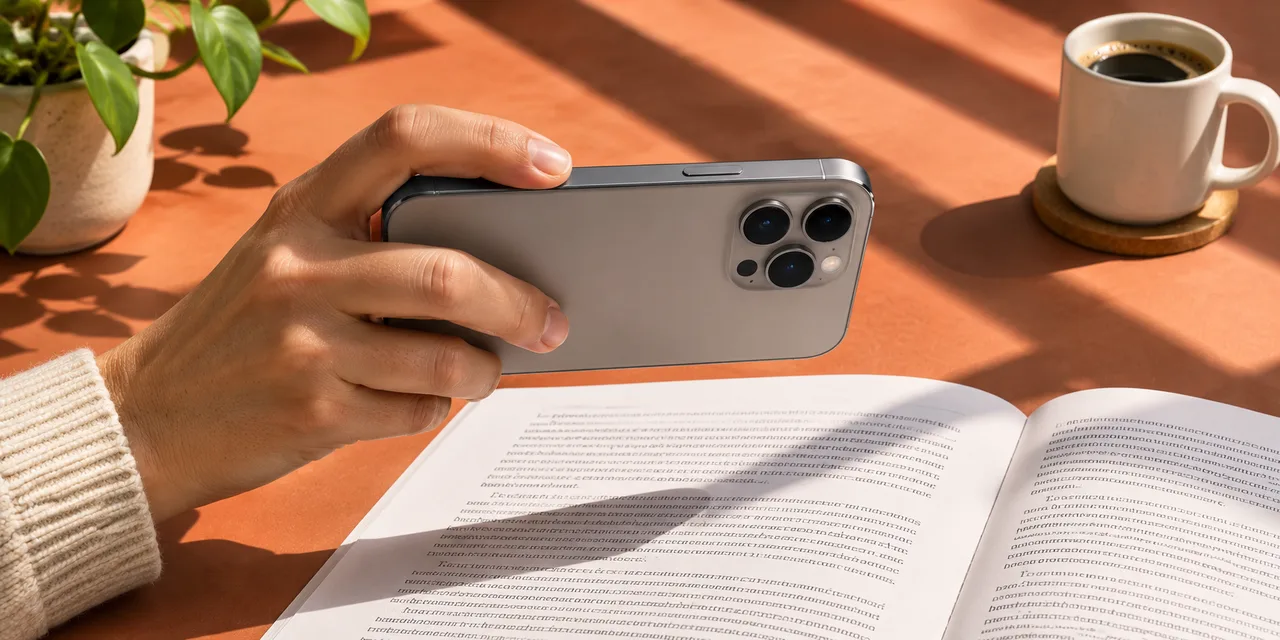
Choose a photo or scan
Open an image from your library, or scan a page with the iPhone camera.
 Local TTSStart listening
Choose a photo or scan a printed page. Check the recognized text, save it and listen with a downloaded voice.

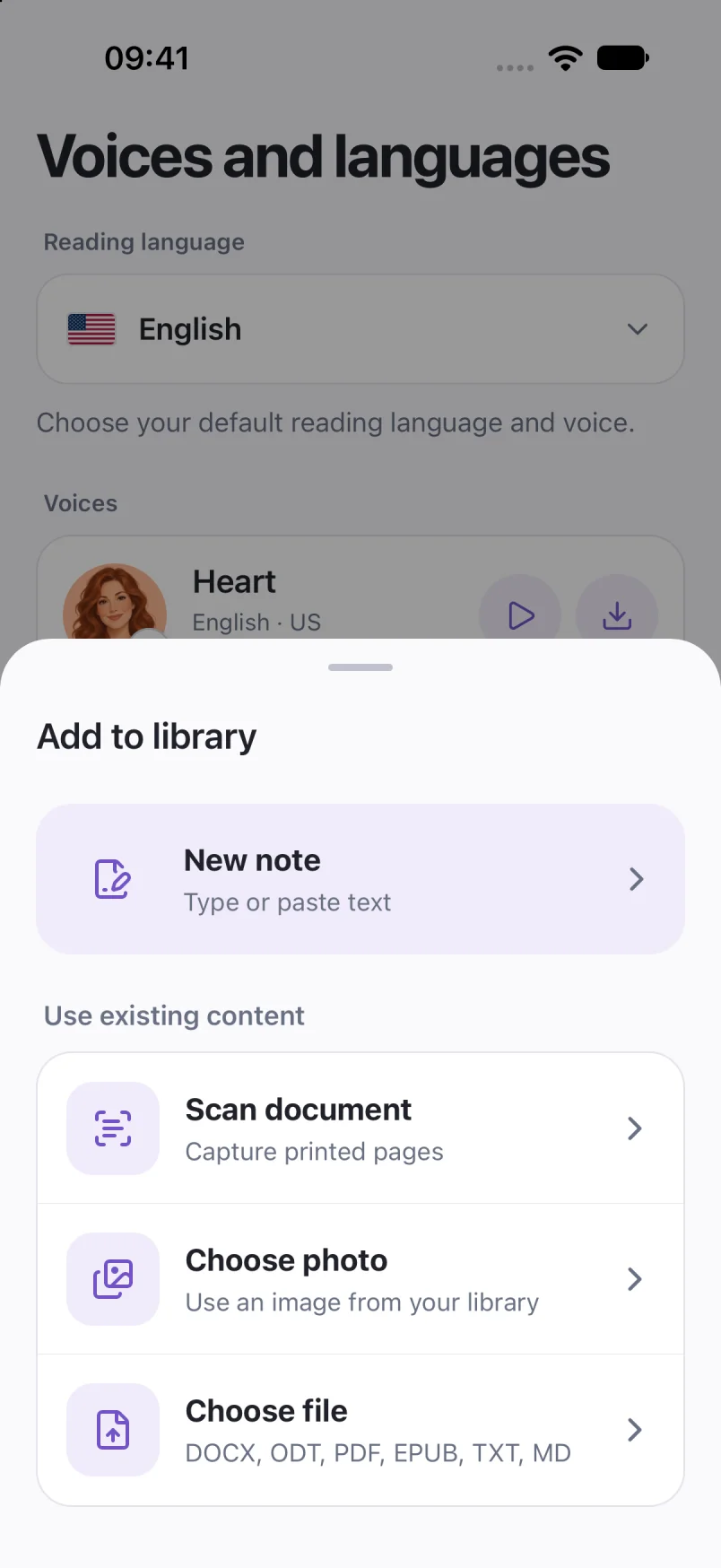
Open an image from your library, or scan a page with the iPhone camera.
Review names, numbers and reading order. Correct recognition mistakes before saving.
Choose the reading language and voice, then listen to the saved text.
Blur, glare, handwriting and complex layouts can cause recognition errors. Photo recognition is separate from importing an image-only PDF.
iPhone and iPad support photos and camera scans. Android supports photo import. Recognition services and diagnostics differ by platform; see the privacy policy.
Screens show sample documents. Labels and voices may vary by app version.
Read the privacy policyRead text from a photo aloud on iPhone. Choose an image or scan a page, review the recognized words, select a voice and listen with Local TTS.
Photos & scans 5 min readFix common PDF text-to-speech problems: scanned pages, copy restrictions, wrong reading order, broken characters and voice settings.
Troubleshooting 5 min read